Studio Queues
Guides and resources in the Streaming category.
Bluesky art commissions in practice: what the platform permits that Instagram and TikTok do not, what its rules prohibit, and who actually benefits from moving.
Art commissions on Instagram: the five-hashtag cap, why the standard giveaway breaks Meta policy, what to post, and fixing the bio link bottleneck.
Art commissions on TikTok: why process clips outperform finished pieces, video lengths that hold attention, and the path from a viral video to a booked slot.
Art commissions on Twitter: what the platform policy restricts, which posts still perform, how to use threads and replies, and where to send interested buyers.
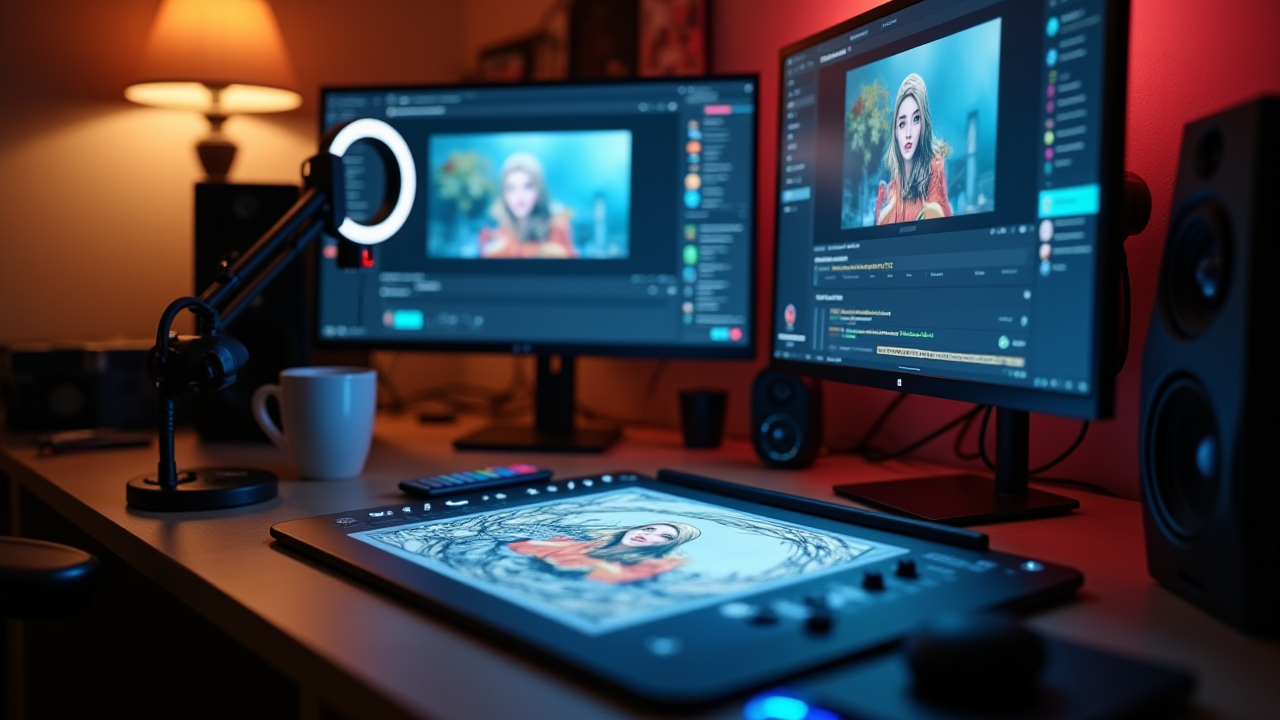
Complete guide to streaming art commissions: setup, live-data overlays, chat commands, the workflow balance, content repurposing, and stream-native tooling.
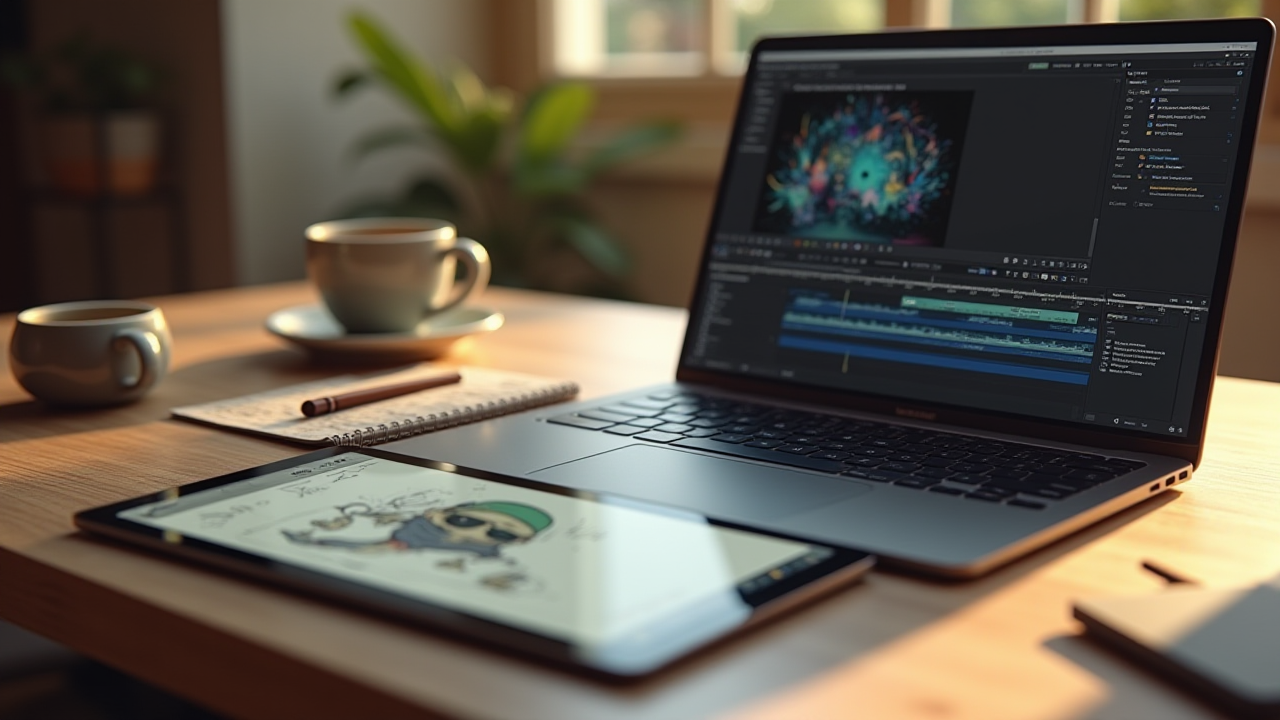
Art time lapse stream recording guide: Procreate and Clip Studio built-in features, OBS local recording, aspect ratios and settings for short-form platforms.
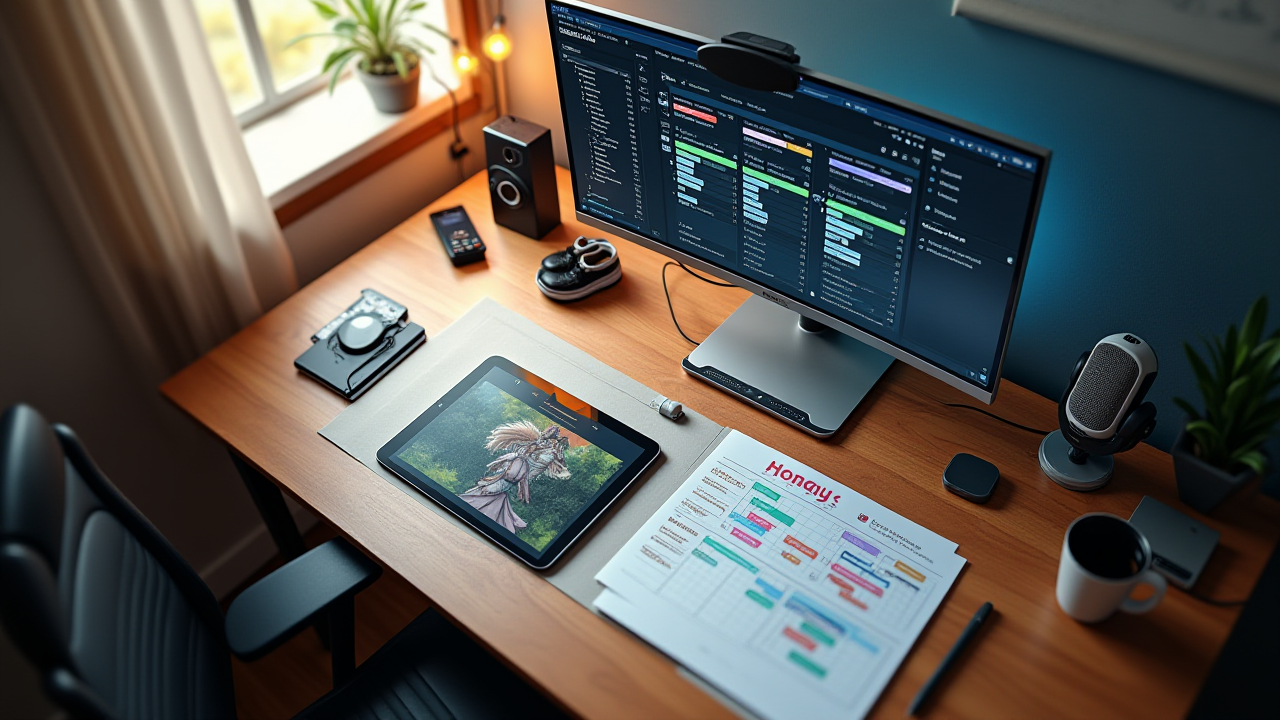
Streamer artist workflow guide: scheduling patterns that work, stream-safe vs stream-unsafe commission stages, and tooling that reduces context-switching.
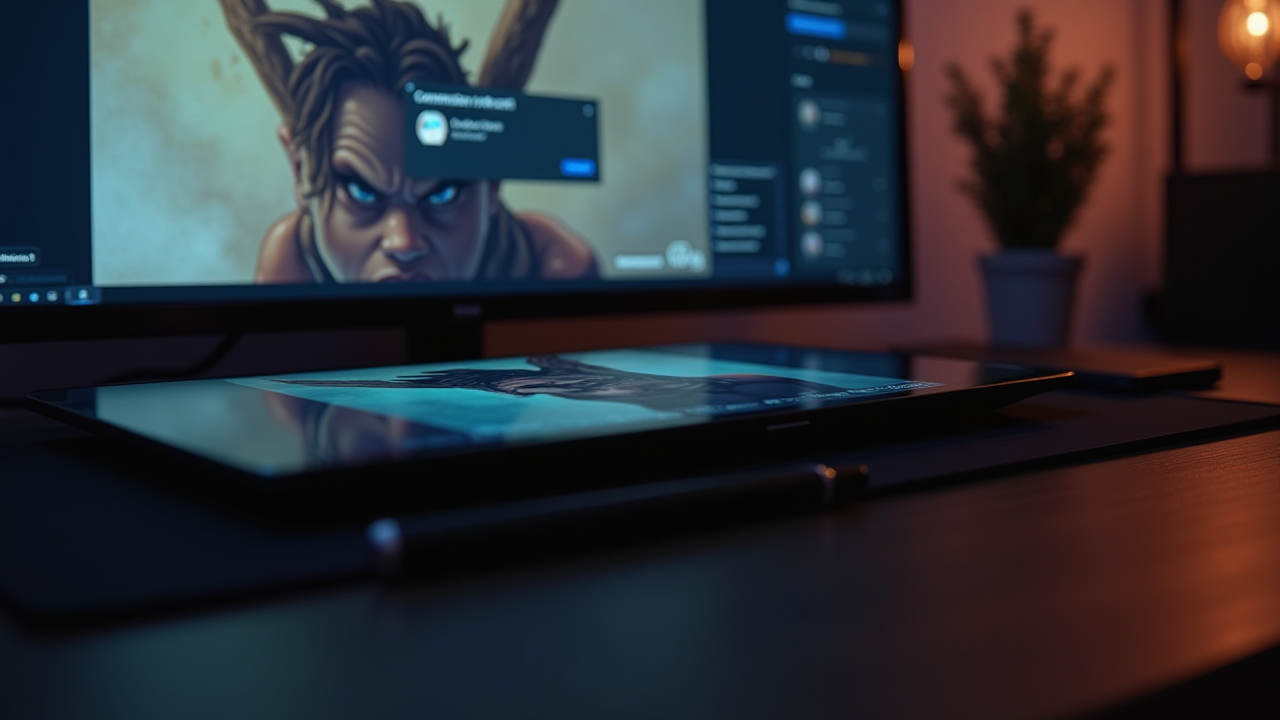
Stream alerts art commission streams need beyond Twitch follow/sub alerts. Studio Queues' three overlay endpoints: Commission Alert, Queue, Now Working.
Twitch chat commands for artists: the six baseline commands every art streamer needs, Nightbot setup steps, and how to wire your commission queue to chat.
Step-by-step guide to setting up an OBS overlay for art commission streams: browser source setup, sizing, positioning, and troubleshooting common issues.
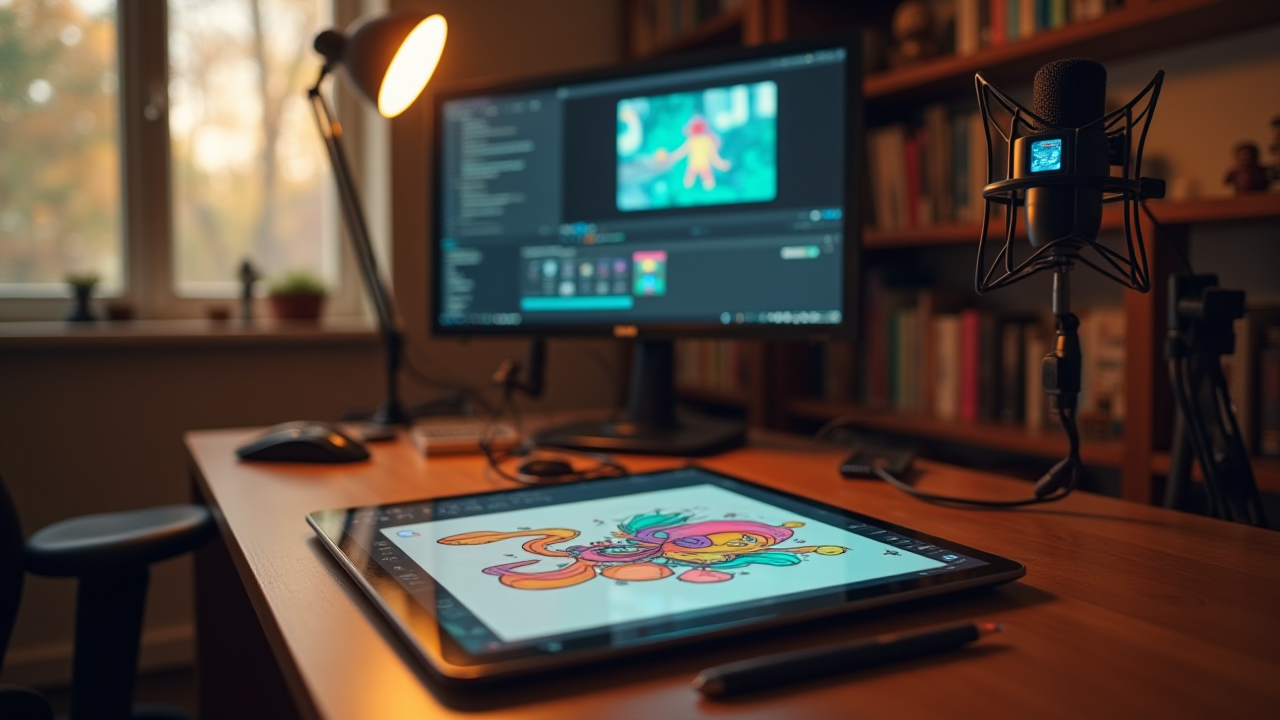
Build a twitch art streaming setup that actually works: OBS scenes, lighting, overlays, bitrate, and a pre-stream checklist for illustrators.
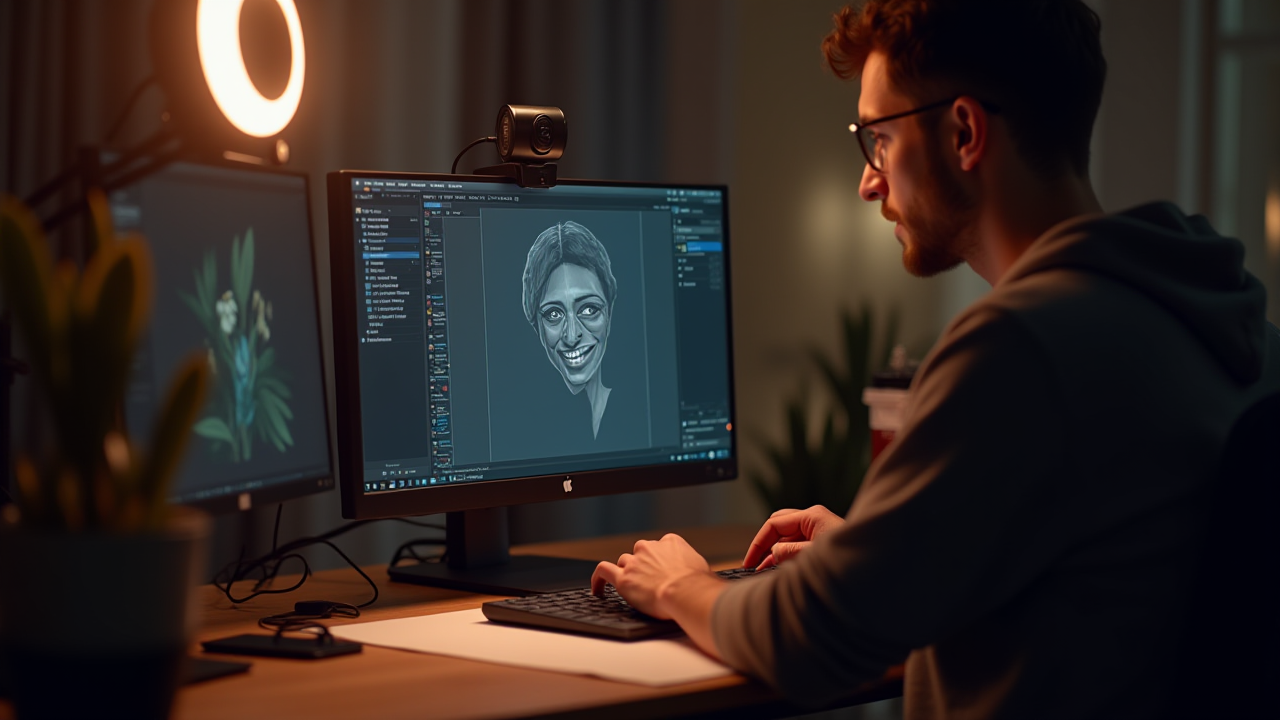
Learn how to set up a reliable streaming setup for creative professionals that focuses on capturing your work clearly and running smoothly for hours.
