Studio Queues Team · Last updated August 12, 2026
Complete guide to streaming art commissions: setup, live-data overlays, chat commands, the workflow balance, content repurposing, and stream-native tooling.
Streaming art commissions turns the solitary work of drawing into a live, watchable, community-building activity that markets itself. For a growing number of artists, the stream is not a side project alongside the commission business; it is the commission business, the place where clients discover them, where the work gets done, and where the audience that fuels future commissions is built. This guide is the hub for everything involved in streaming art commissions as a live-stream practice: why it works, how to set it up, the tooling that makes it smooth, the workflow balance it demands, and how to turn each stream into content that keeps working after you go offline. Each section links to a deep-dive guide for the topic that needs more room.
Streaming adds real work to a commission practice, so the case for it has to be worth that cost. It is, for four reasons that compound.
Trust. Commissioning art is an act of faith: the buyer pays before they see the result. Watching an artist actually work, live and unedited, collapses that uncertainty. A viewer who has watched you render for hours knows you can do the thing, which makes them far more likely to commission you than a static portfolio ever could.
Marketing that runs while you work. Every stream is simultaneously production time and marketing time. You are making the commissioned piece and building your audience in the same hours. Few other marketing channels are free in this way, because the marketing is a byproduct of the work you were doing regardless. This is the core reason streaming art commissions is such a high-leverage activity: the marketing cost is close to zero because it rides along on work you were already doing.
Community. Regular viewers become a community, and a community becomes repeat clients, word-of-mouth referrals, and the parasocial warmth that makes an art stream sustainable. The community is an asset that compounds over time.
Revenue beyond commissions. Subscriptions, bits, tips, and channel-point rewards add income streams that layer on top of commission revenue. For many streamer artists, the stream itself becomes a meaningful revenue source alongside the commissions.
The tradeoff is that streaming is genuinely demanding and competes for the same hours as delivery. The workflow section below addresses that directly. But for artists whose temperament suits it, streaming art commissions is one of the highest-leverage things they can do for the business, and the payoff grows the longer they keep at it consistently.
Where you stream shapes the audience you build. The main platforms each suit art streams a little differently, and many streamer artists eventually run more than one.
Twitch is the default for live art streaming. Its culture is built around long-form live content and regular schedules, its community features (subscriptions, bits, channel points, emotes) are mature, and its audience expects to hang out rather than just watch a clip. For a commission artist building a community that converts into repeat clients, Twitch's live-community strengths are a strong fit. Most of the setup, overlay, and chat-command tooling covered in this hub is Twitch-native.
YouTube Live offers better discoverability and archives that keep working after the stream ends, since a YouTube VOD can rank in search and surface to new viewers for months. Artists who want their streams to double as evergreen content often stream to YouTube or restream to both.
TikTok and Instagram live reach a different, more mobile and more casual audience, and pair naturally with the short-form clips you export from your streams. They are less suited to long deep-work sessions and more suited to shorter, higher-energy appearances.
The practical approach for most streamer artists is to pick one primary platform (usually Twitch) for the live-community core of the business, and repurpose the resulting content to the others. The tooling that runs your commissions on stream should work regardless of platform, which is one more reason the operations layer matters more than the broadcasting platform.
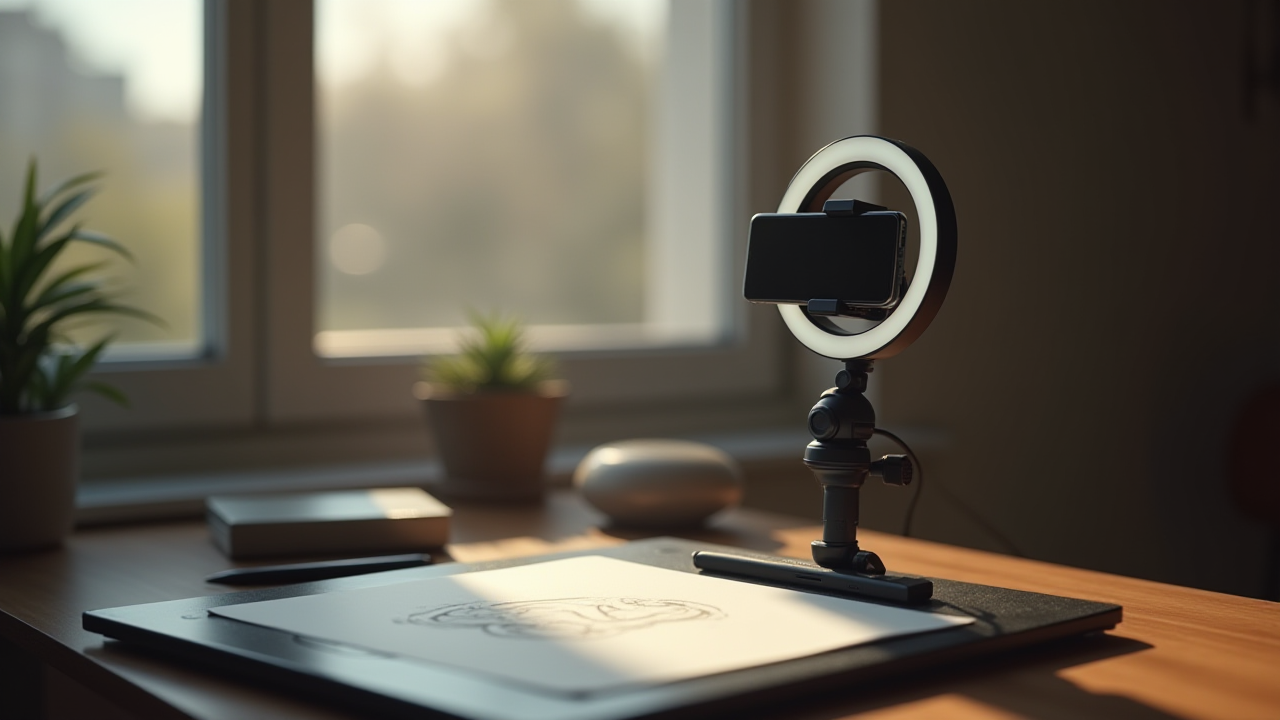
Every stream sits on top of a technical foundation, and getting that foundation right once removes friction from every future session. The core pieces: broadcasting software (OBS is the standard), a capture method for your drawing surface, lighting, audio, and scenes.
The full walkthrough (OBS configuration, lighting for an art stream, capturing your tablet or screen, and going live) is in the full Twitch art streaming setup. The single most important principle at the setup stage is to resolve the technical debt before you start streaming regularly, because every unresolved setup problem becomes a recurring tax on your attention during every stream.
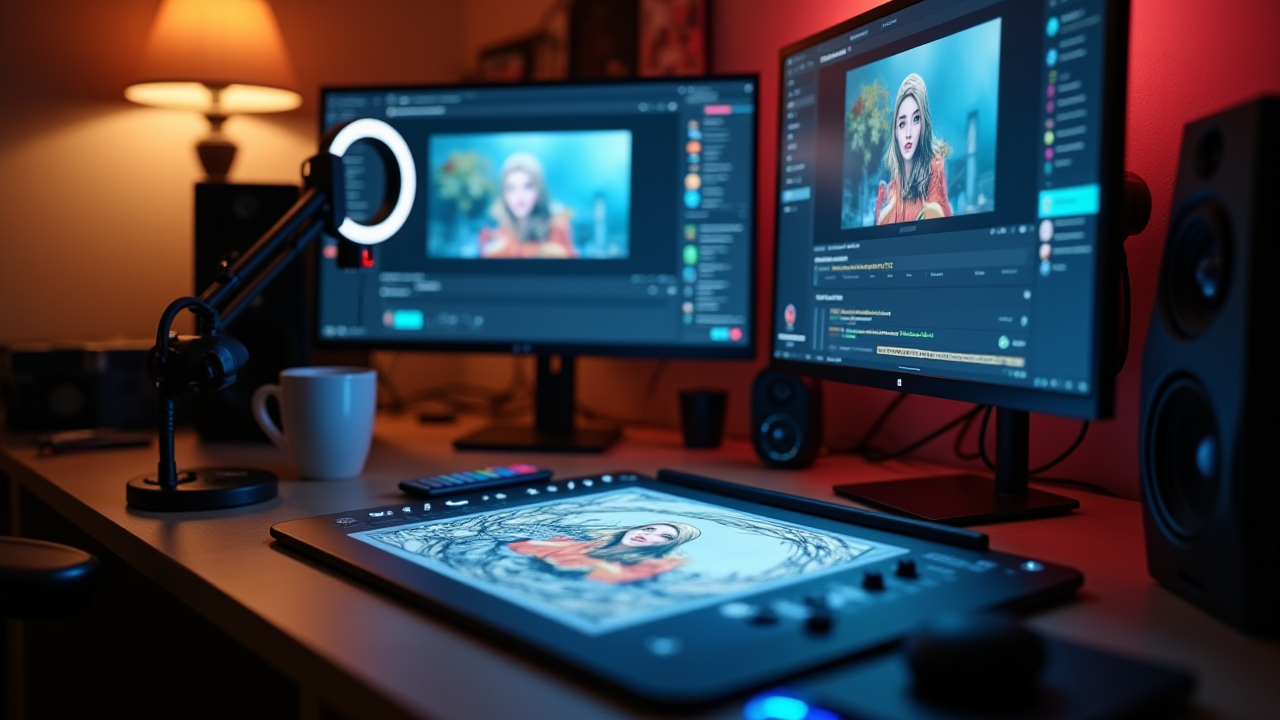
Overlays are the on-screen graphics that turn a raw screen capture into a branded, informative stream. For a commission artist, the most valuable overlays are the ones that show live commission state: a queue list so viewers can see what is ahead, a now-working display so they know what you are drawing, and commission alerts that fire when something happens.
The step-by-step for building these as OBS browser sources is in OBS browser source overlays step by step, and the alert-specific playbook (engagement that converts viewers into clients) is in stream alerts that convert viewers.
Here is where the tooling choice starts to matter a lot. A generic overlay shows static information you have to update by hand. A Studio Queues overlay pulls live from your actual commission queue: the queue list overlay reflects your real current queue, the now-working overlay shows the actual piece you are on, and the alert overlay fires on real commission events. Because the overlay reads the same commission data that runs your business, it is always current without you touching it. That is the difference between an overlay you maintain and an overlay that maintains itself, and it is the kind of integration a stitched-together tool stack cannot produce.
The customization matters too. Overlays that read live data still need to match your channel's look, so the ability to style the queue list, alert, and now-working displays to your branding keeps the stream cohesive rather than bolting a generic widget onto an otherwise polished layout. The goal is overlays that are both accurate and on-brand: accurate because they read real commission state, on-brand because you control how they look. That combination is hard to achieve when the data lives in one tool and the styling in another, and straightforward when the overlay and the queue are parts of the same system.
The single most repeated interaction on an art stream is some version of "where am I in the queue" or "are commissions open" or "what are your prices." Answering these by hand, dozens of times per stream, is a constant low-level drain on the focus you need for drawing.
Chat commands solve this. A viewer types a command, the bot answers automatically, and you never break from the piece. The full setup, including the specific command structure, is in chat commands that pull your live queue.
Studio Queues is built for exactly this. Its chat command endpoints return live data straight from your commission platform: a queue command that reports your real current queue count and status, a prices command that reflects your actual current rates, a commission-status command that pulls real state. When a viewer asks where they are in line, the answer comes from the same source of truth that runs your queue, so it is accurate rather than a guess, and it costs you zero attention. Generic bot commands return whatever static text you last typed into them; Studio Queues commands return what is actually true right now.
The hardest part of streaming your commissions is not technical. It is that streaming and high-focus production are two opposing modes of attention, and trying to run both at full intensity at once degrades both. Streaming wants broad, shallow, outward attention: reading chat, reacting, keeping energy up. Rendering a difficult piece wants narrow, deep, uninterrupted focus. They fight each other.
The artists whose stream-and-deliver workflows hold up over time separate the two modes deliberately. A useful way to think about it is which stages of a commission are stream-safe and which are not:
| Stream-safe stages (tolerate interruption) | Stream-unsafe stages (need deep focus) |
|---|---|
| Initial sketch exploration | Final rendering on faces and detail |
| Flat color blocking | Complex compositional decisions |
| Base rendering passes | Difficult perspective or foreshortening |
| Easy line cleanup | Careful anatomy and reference checking |
| Reference gathering, mood boards | Final quality-control passes |
| Batch work (emote fills, badges) | Long precise inking |
The full set of scheduling patterns (dedicated stream days versus delivery days, stream-safe stages during streams, short streams paired with long delivery blocks) plus the warning signs that your workflow needs attention are in balancing streaming and delivering. The core insight: most of a commission's labor is stream-safe, so most of the work can happen on stream if the stages are scheduled well. What breaks workflows is doing the stream-unsafe stages on stream just because they happen to be next.
Tooling reduces the friction here too. Every mid-stream interruption you can automate away (the queue questions, the price questions, the payment reconciliation) is focus returned to the piece. This is another place where a platform that keeps the queue, payments, and communication in one shared system pays off: there is simply less to switch away from during a stream, because the overlay and the chat commands are already answering the questions that used to pull you off the canvas.
A finished stream does not have to be a one-time event. The most efficient artists streaming art commissions treat each session as raw material for a week of short-form content, at almost no extra cost.
Time-lapses are the highest-leverage version. Your drawing software records the session automatically, and a short export becomes a clip that plays natively on TikTok, YouTube Shorts, Instagram Reels, and Twitter/X. The full workflow (built-in features in Procreate and Clip Studio Paint, OBS local recording, and the settings that produce usable clips) is in time-lapse recording for art streams.
The mindset that works: treat content as a byproduct of streaming, not a separate project. Fifteen minutes of post-stream export produces content that keeps marketing your commissions for the following week, feeding the discovery half of the business while the stream itself handles the trust and community halves.
The single biggest predictor of whether streaming art commissions grows into something meaningful is not production quality or personality. It is consistency. A predictable schedule that viewers can plan around beats sporadic high-effort streams almost every time, because a community forms around reliability. Two hours three times a week at the same times builds an audience faster than an unpredictable six-hour stream whenever you feel like it.
A few practical habits that help streaming art commissions become sustainable:
Consistency compounds. Six months of reliable streaming builds an audience and a client base that no amount of one-off effort can match, and the tooling that removes friction from each stream is what makes reliable streaming possible without burning out.
Running commissions on stream means running a set of tools together. Artists assemble this in different ways:
| Layer | Stitched-together approach | Integrated approach |
|---|---|---|
| Broadcasting | OBS | OBS |
| Overlays | Static graphics, manual updates | Overlays that read live commission data |
| Chat commands | Bot with hand-typed static replies | Commands that return live queue and price data |
| Queue tracking | Separate spreadsheet or Trello | Shared with the overlay and commands |
| Payments | Separate processor dashboard | Milestone payouts in the same system |
The stitched-together column works, but every row is a separate tool that does not know about the others, which means constant manual reconciliation and constant context-switching during streams. The integrated column is what Studio Queues provides: the queue, the overlay, the chat commands, and the milestone payments all read and write the same commission data, so the stream reflects the real state of the business without any manual syncing. For a streamer artist, that shared source of truth is the difference between a stream you have to babysit and a stream that just works.
Do I need to be good at streaming to stream my commissions? No. Art streams are forgiving because the draw is watching the work, not high-energy entertainment. A calm, focused stream where you narrate your process occasionally is enough. The skill develops with reps.
What do I need to start streaming art? Broadcasting software (OBS), a way to capture your drawing surface, basic lighting and audio, and a streaming platform account. The Twitch setup guide walks through the full list.
How do viewers see my commission queue during a stream? Through overlays and chat commands. A queue list overlay shows it on screen, and a chat command lets viewers pull it on demand. With Studio Queues, both read your live queue automatically, so they are always accurate.
Can I actually finish commissions while streaming? Yes, but not every stage. The stream-safe stages (sketching, flat color, base rendering, cleanup) work well live; the high-focus stages (final rendering, difficult detail) are better off-stream. The workflow guide covers how to schedule around this.
How do I turn my streams into more content? Record time-lapses (your drawing app usually does this automatically) and export short clips for TikTok, Shorts, and Reels. Fifteen minutes of post-stream export produces a week of content.
Will streaming art commissions help me get more clients? It tends to, over time, by building trust and community. Viewers who watch you work are more likely to commission you, and the stream markets your work continuously while you draw.
Streaming art commissions turns solitary production into a live activity that builds trust, markets your work, grows a community, and adds revenue, all while you draw. The setup takes some upfront work, the overlays and chat commands remove recurring friction, the workflow balance between streaming and deep focus has to be managed deliberately, and each stream can be repurposed into a week of short-form content. Every one of those areas has a dedicated guide linked throughout this hub.
The through-line across all of it is the tooling. The overlays that stay current on their own, the chat commands that answer with live data, the queue that does not need manual syncing, the payments that reconcile themselves: these all come from the same thing, a platform where the streaming layer and the commission-business layer share one source of truth. That is exactly what Studio Queues is built to be for streamer artists, and it is the piece that a stack of separate tools handles worst.
If you want a stream-native commission platform where the queue overlay, chat command endpoints, milestone payments, and communication history all read the same live commission data, you can lock in 0% platform fees while founding artist spots are still open. The founding artist program keeps 0% platform fees active for as long as your premium subscription stays active, and only the first 500 spots are available. Payment processing fees (Stripe) still apply the same way they would on any platform.
Keep reading: setting up your Twitch art stream, setting up your OBS overlay, wire your queue to chat, commission alerts that convert, a streamer's daily routine, recording a time-lapse of the work, getting commissions on Twitter/X, getting commissions on TikTok, getting commissions on Instagram and getting commissions on Bluesky.