Studio Queues Team · Last updated June 25, 2026
Learn how to set up a reliable streaming setup for creative professionals that focuses on capturing your work clearly and running smoothly for hours.
A working streaming setup for creative professionals is the one that lets you do the actual work without fighting the technology. The audience is watching the art, not the production values. The setup that matters is the one that captures the work clearly, sounds reasonable, and runs reliably for hours without crashing.
This guide walks through the setup decisions that actually matter, with honest attention to what is worth investing in and what is not.
The most common mistake in streaming setups is investing in the production layer before the work layer is solid. A streamer with a perfect lighting rig and a four-camera setup who has no audience yet is signaling they care more about the broadcast than the work.
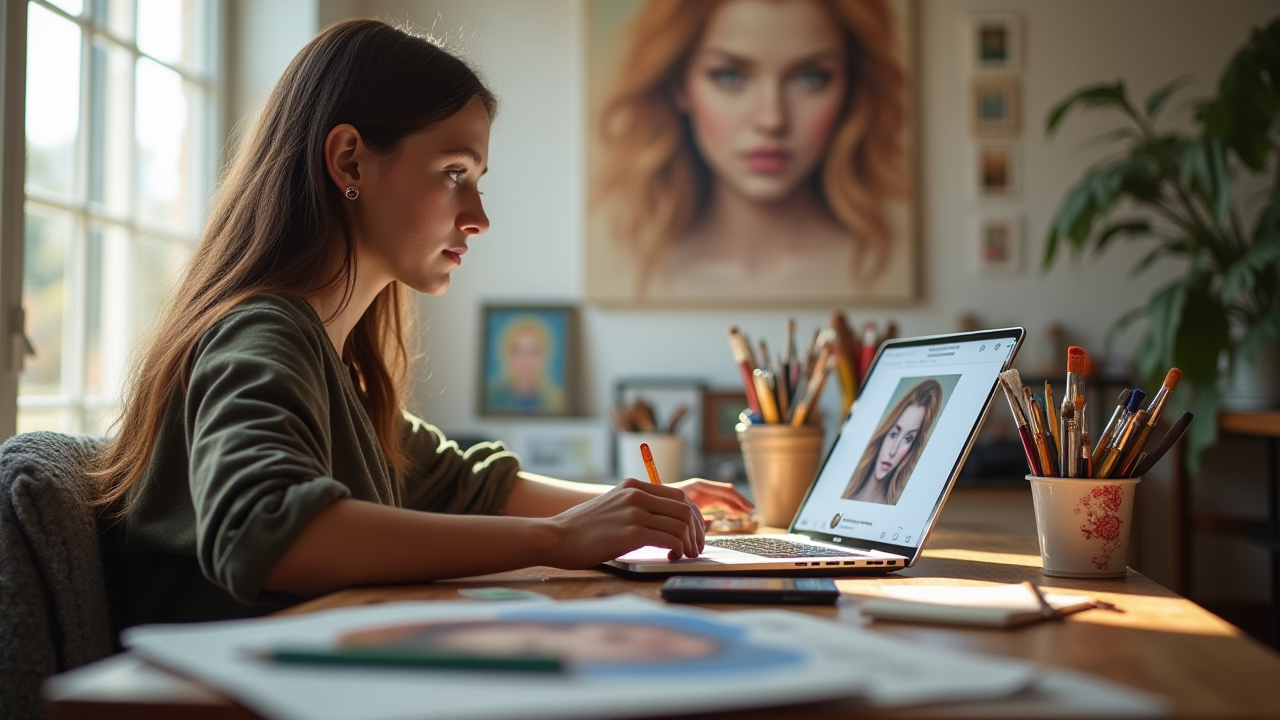
A working setup for creative professionals starts with reliable capture of the actual work. For digital artists, this is screen capture software running smoothly without lag. For traditional artists, this is a clear view of the workspace with good light on the surface. Everything else is secondary.
Once the work is captured well, the audience is forgiving about almost everything else. A simple webcam, decent audio, and minimal overlays do not lose viewers if the work itself is interesting.
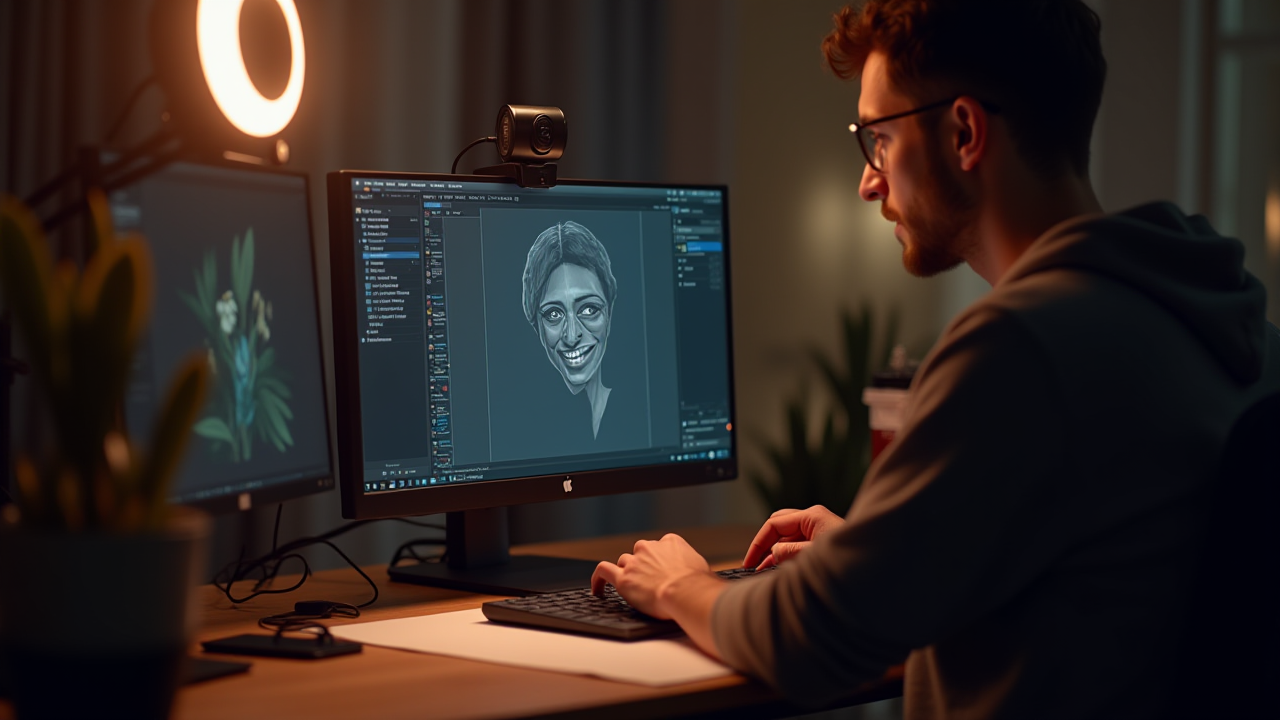
For digital artists, the capture happens through software. OBS Studio is the standard free choice. It handles screen capture, webcam, microphone, and overlay graphics in one application. Streamlabs Desktop is a more user-friendly alternative built on top of OBS.
The capture settings matter for stream quality. Resolution and frame rate need to match what the platform supports. 1080p at 60 frames per second is overkill for most art streams. 720p at 30 frames per second is usually fine and reduces bandwidth and processing requirements significantly.
The bit rate affects how clean the stream looks. Higher bit rate produces cleaner video but requires more bandwidth. The platform limits cap how high the bit rate can go. The right setting depends on the upload speed and the platform's limits.
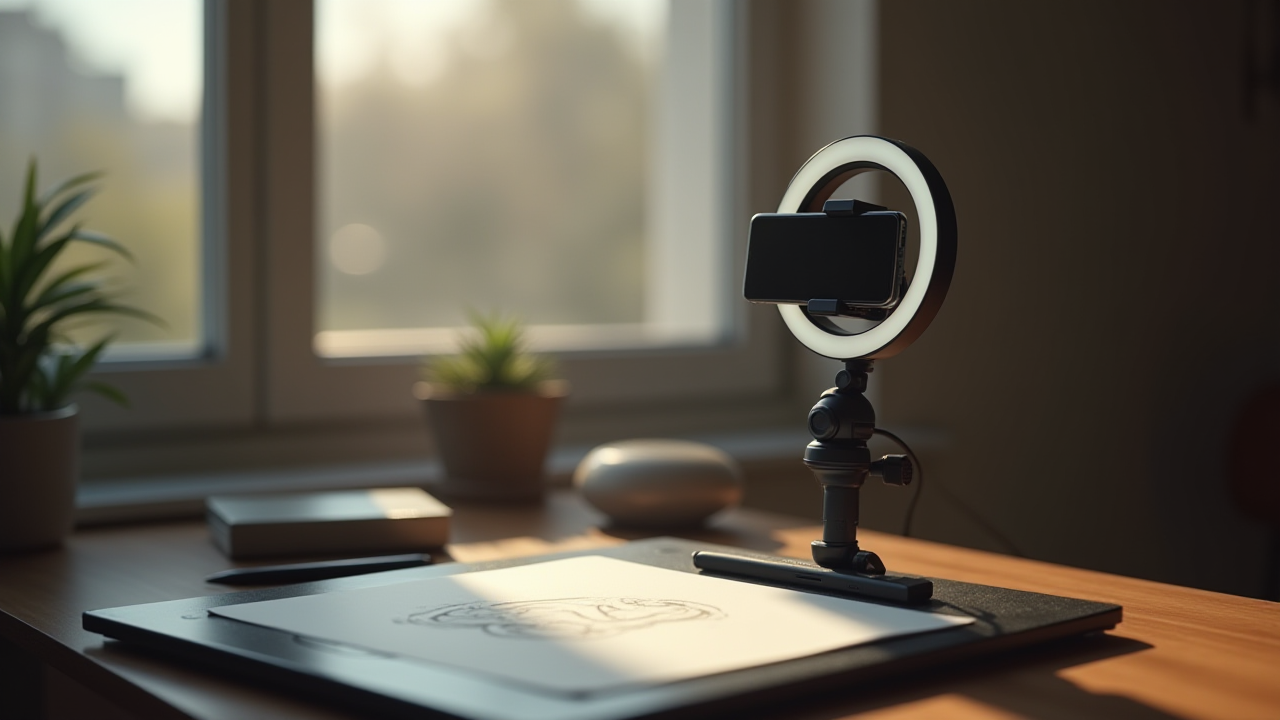
For traditional artists, the capture is physical. A camera pointed at the workspace handles the work. A phone in a stand can work as a starter setup. A dedicated camera connected through a capture card to the computer gives more flexibility.
The angle matters. Overhead shots show the work clearly but miss the artist's body language. Shoulder-height shots show the artist working but distort the work itself. A combination of angles, switched during the stream, gives the best of both. Even with one camera, the position can be adjusted between sessions to find the angle that works for the specific work.
Audio is the part most new streamers underinvest in and most established streamers wish they had upgraded sooner. Even decent video with bad audio is hard to watch for long.
A USB microphone in the budget range usually produces audio significantly better than the microphone built into a laptop, webcam, or phone. Brands like Blue, Audio-Technica, Rode, and Elgato all make models in the working price range. The specific model matters less than getting any dedicated microphone.
Placement matters as much as the microphone itself. Closer to the mouth is usually better. Off to the side reduces breathing sounds. Foam isolation reduces vibration from the desk.
Room treatment helps even at modest investment. A room with carpet, curtains, or fabric on hard surfaces sounds better than a bare room. The effect is significant for streaming audio.
For artists who narrate frequently during streams, investing in better audio earlier produces noticeable returns. For artists who work mostly in silence with periodic comments, the audio is still important but the upgrade urgency is lower.
A webcam shows the artist working. Whether to include one depends on the format and the artist's preference.
Streamers who include a webcam often connect more strongly with the audience. Viewers see expressions, reactions, and physical reactions to the work. The parasocial relationship builds faster.
Streamers who skip the webcam keep the focus entirely on the work. Some artists prefer this. The audience comes for the art and gets only the art.
The webcam quality is less important than the lighting in front of it. A modest webcam with good lighting looks better than an expensive webcam with poor lighting. Natural light from a window or a basic ring light handles most situations.
The webcam placement should not obstruct the work or the work area. A small webcam mounted above the main monitor usually fits without getting in the way.
A streaming setup runs on a computer, possibly with a second computer for streaming specifically. The right hardware depends on the work.
For digital artists who stream while working, the streaming computer is usually the same one running the design software. The computer needs enough power to run both the creative software and the streaming software without lag. Modern hardware handles this for most workflows, but very demanding 3D or video work sometimes benefits from a dedicated streaming computer.
For traditional artists, the streaming computer can be modest because it is mostly just running OBS and capturing a camera feed. An older laptop usually works.
A second monitor is helpful for managing chat and stream controls without disrupting the work area. Not essential at the start.
A stable internet connection matters more than peak speed. Streaming requires consistent upload bandwidth. A connection that drops periodically produces stream disconnects that lose viewers. Wired connections are usually more stable than wireless.
Lighting affects how the work and the artist look on stream. Good lighting is one of the cheapest upgrades that produces visible improvement.
For digital artists who stream the screen, lighting matters mostly for the webcam. A basic ring light or softbox in front of the artist makes the webcam look significantly better. Natural light from a window can work if the window position is right.
For traditional artists, lighting matters for the work itself. Good even lighting on the workspace prevents the work from looking different on stream than it does in person. Multiple lights from different angles eliminate harsh shadows.
The lighting investment is small compared to the visual difference. Even modest lights in the budget range produce results that look much better than uneven natural light.
Beyond OBS or Streamlabs, a few software pieces fill out the streaming setup.
Chat management tools (StreamElements, Streamlabs Chatbot, NightBot) automate common chat functions. Greeting new viewers. Responding to common questions. Moderating spam. These reduce the mental load of managing chat during focused work.
Music sources need to respect copyright. Music in the background that is licensed can produce DMCA strikes on the platform. Services like Pretzel Rocks, Lickd, and similar provide streamable music with rights cleared for live streaming.
Alert tools (Streamlabs, StreamElements) handle the visual notifications for new followers, subscribers, and tips. The defaults are usable. Customization can be added over time.
For commission-based artists, the operational layer for actual commissions lives separately from the streaming software. Studio Queues handles the brief, payment, delivery, and licensing for commission work, with fees of five percent on the free tier and one and a half percent on the premium tier. Founding artists pay zero percent for as long as the premium subscription stays active, with only the first five hundred founding spots available. The streaming setup is about the broadcast. The commission platform handles the transactions.
A streaming setup is also a working setup. The chair, desk, and workspace affect how long the artist can actually work on stream.
A good chair matters more than most streaming equipment. An hour into a five-hour stream, a bad chair starts to matter. By hour four, it determines whether the stream ends well or in pain.
The desk height should support the work without strain. Drawing tablets often need to sit at a different angle than a regular keyboard, which affects the desk setup.
The room temperature affects long sessions. Hot rooms become exhausting. Cold rooms become distracting. Some control over the environment makes streams more sustainable.
These ergonomic factors get ignored in most streaming setup guides but matter more than the camera quality for the artist's long-term ability to actually stream.
Some streaming setup investments produce little visible benefit but cost significant money.
Multiple cameras with switching software are usually overkill for solo creative streams. The added complexity rarely justifies the production value.
Green screens require careful lighting to work well and often look worse than just having a normal background.
Expensive lighting rigs designed for video production are usually overspecced for streaming. Simpler lights work fine.
Premium webcams produce small improvements over budget models when the lighting is good. The lighting upgrade matters more.
The professional production gear that fits a media studio is usually wrong for a solo creative stream. A simpler setup that runs reliably beats a complicated one that requires constant adjustment.
A working streaming setup does not need to be complete on day one. The artists who stream successfully usually started with a basic setup and upgraded as the audience and needs grew.
A reasonable progression looks like this. Phase one: capture software, basic webcam, USB microphone, basic lighting. Phase two: better microphone, dedicated lighting, second monitor for chat. Phase three: capture card if streaming traditional work, ergonomic upgrades, expanded software setup. Phase four: room treatment for audio, multiple cameras if useful, advanced overlays and graphics.
The progression is paced by what actually limits the streams. A budget setup that runs reliably is much better than an expensive setup that breaks during streams.
The hardest part of streaming setup for creative professionals is not learning the structure. It is applying it consistently when projects get hectic, clients get difficult, or the schedule gets tight. The structure does the work the willpower cannot. Streaming setup for creative professionals becomes easier when the habits are already in place before they are tested.
A streaming setup for creative professionals comes down to capturing the work clearly, sounding reasonable, and running reliably for hours. Start with the work capture. Invest in audio early. Add lighting and webcam as needed. Use a computer that can handle both creative software and streaming software without lag. Pick stable internet. Build the setup over time.
For commission-based artists, the streaming setup is about the broadcast and Studio Queues handles the commission operations separately. The platform processes the brief, payment, delivery, and licensing while the stream runs through whatever streaming setup the artist has built.
The creative professionals who stream successfully are not the ones with the most elaborate setups. They are the ones who built a reliable setup that gets out of the way, then focused on producing the work the audience came to see.