Stream overlays
Add one browser source to OBS and your queue, current commission, and progress show on stream and keep themselves up to date. Viewers see who's up next and what you're working on without you stopping to explain.
Each overlay is a URL you paste into OBS as a Browser Source. The page has a transparent background, so it drops straight onto your scene. Updates stream in over Server-Sent Events, so the queue and progress change the moment they change in your dashboard — no refresh, no manual editing mid-stream.
Three browser sources cover the questions chat asks most:
Pair the overlays with chat commands. Drop live !queue, !commission, and !prices into Nightbot, StreamElements, or Fossabot so chat can check the queue, your availability, and pricing on demand. The URLs are in your overlay settings — paste them into your bot's $(urlfetch) and they stay current on their own.
On Artist Premium you can restyle the overlay — colors, background, and fonts — to match your channel branding instead of the default look.
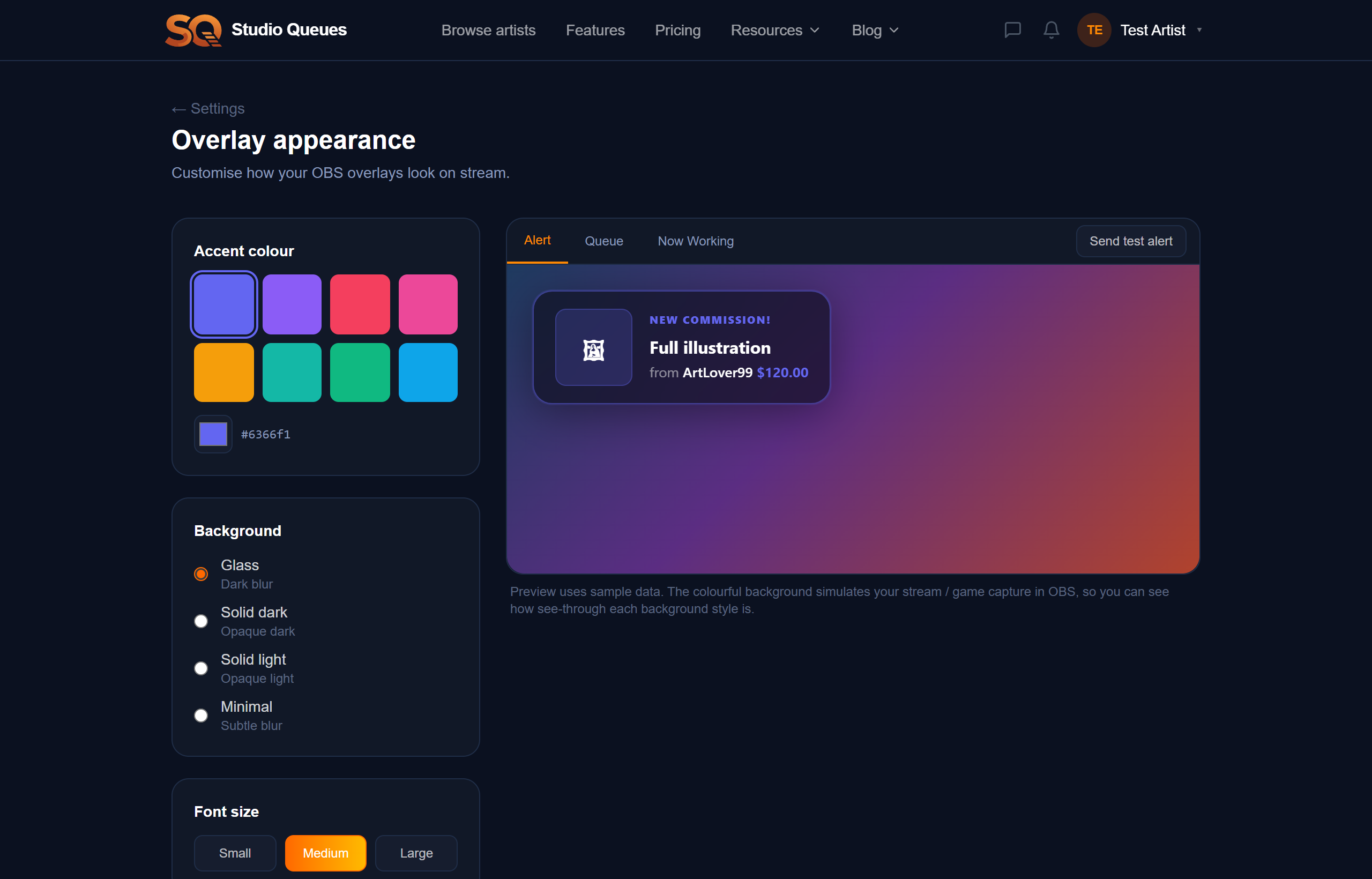
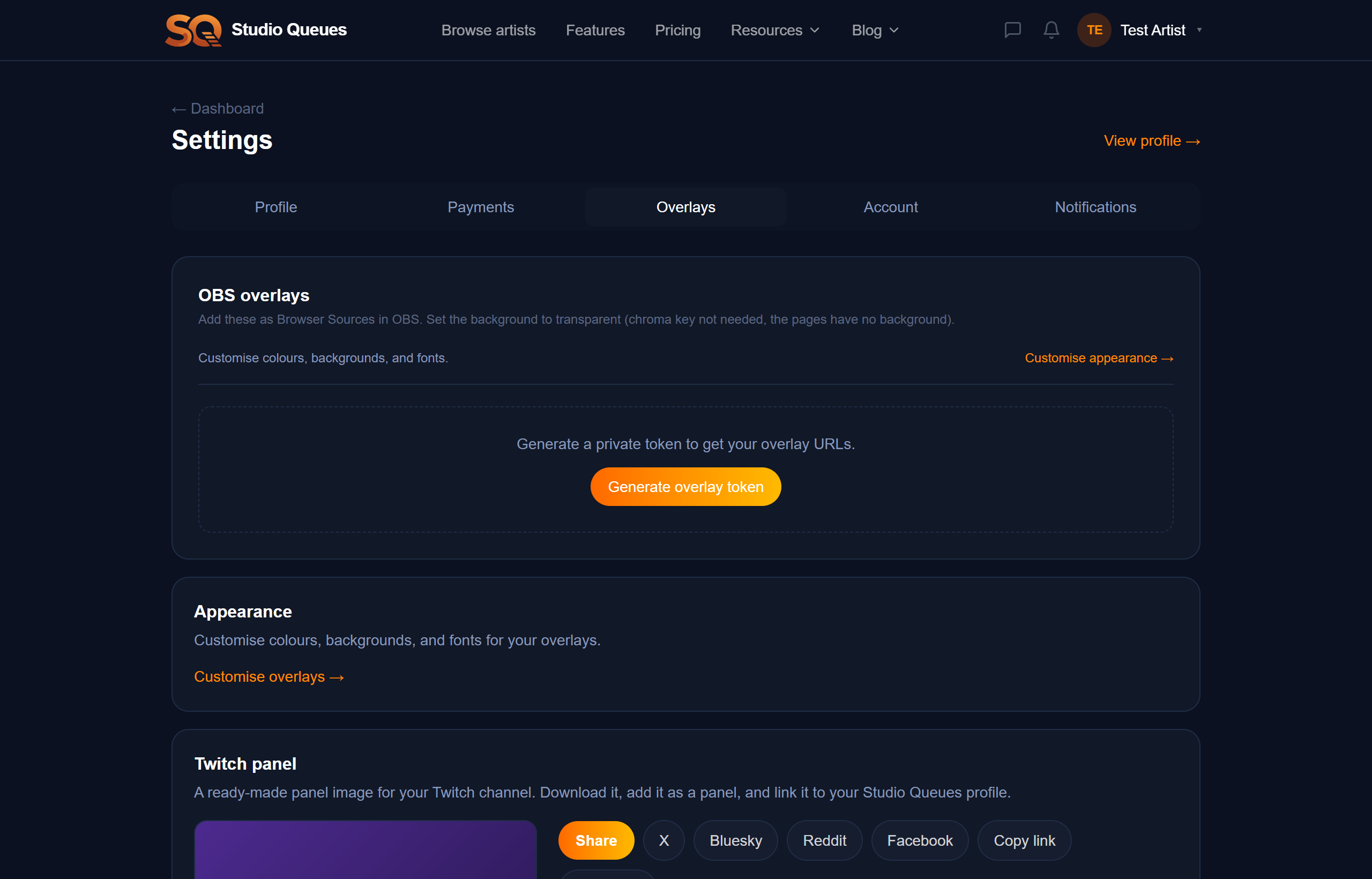
Generate a private overlay token in settings, copy the overlay URL, and add it as a Browser Source in OBS. Size it to your scene and you're done. If a URL ever leaks, regenerate the token to rotate all of them at once.
Do I need to refresh the overlay?
No. It updates in real time over Server-Sent Events — the queue and progress change as soon as they change in your dashboard.
Does it work with Streamlabs or other software?
Yes. It's a standard browser source, so anything that supports browser sources (OBS, Streamlabs, etc.) works.
Is the overlay URL public?
It's keyed to a private token. Keep it to yourself, and regenerate the token in settings if it's ever exposed.
Can I change how it looks?
The default theme is free. Custom colors, backgrounds, and fonts are available on Artist Premium.
Start free — no credit card required.
